


GreenLight Export menu overview
GreenLight streamlines the consistent export of PDFs, translation files, marketing JPEGs and more from InDesign
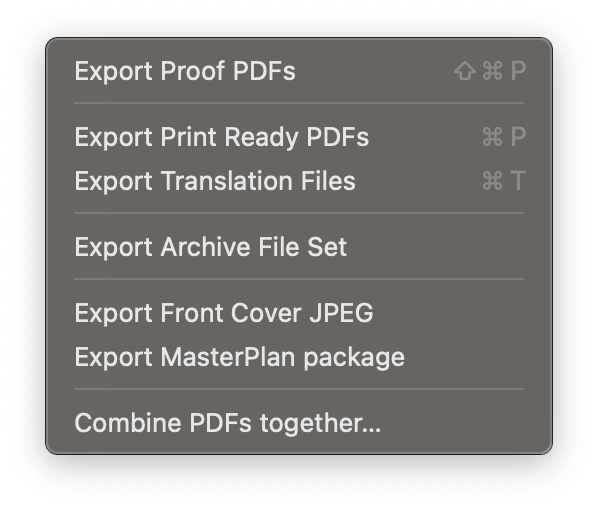
Export Proof PDFs
Choose the pages or spreads to export as composite PDFS using the same setup and colour profile as the print PDF
Export Print Ready PDFs
Once GreenLight checks have been passed, consistently export Print Ready PDFs
Export Translation Files
Export specially prepared and packaged documents for translation
Export Archive File Set
Export a standardised and structured file package ready for archiving
Export Cover JPEGs
Create marketing graphics from GreenLight-generated covers and jackets
Export MasterPlan Package
Create MasterPlan packages of spread thumbnails, searchable text and a complete publication (PDF or EPUB) from the open InDesign document
Combine PDFs together…
Quickly combine PDF pages from different exported documents


